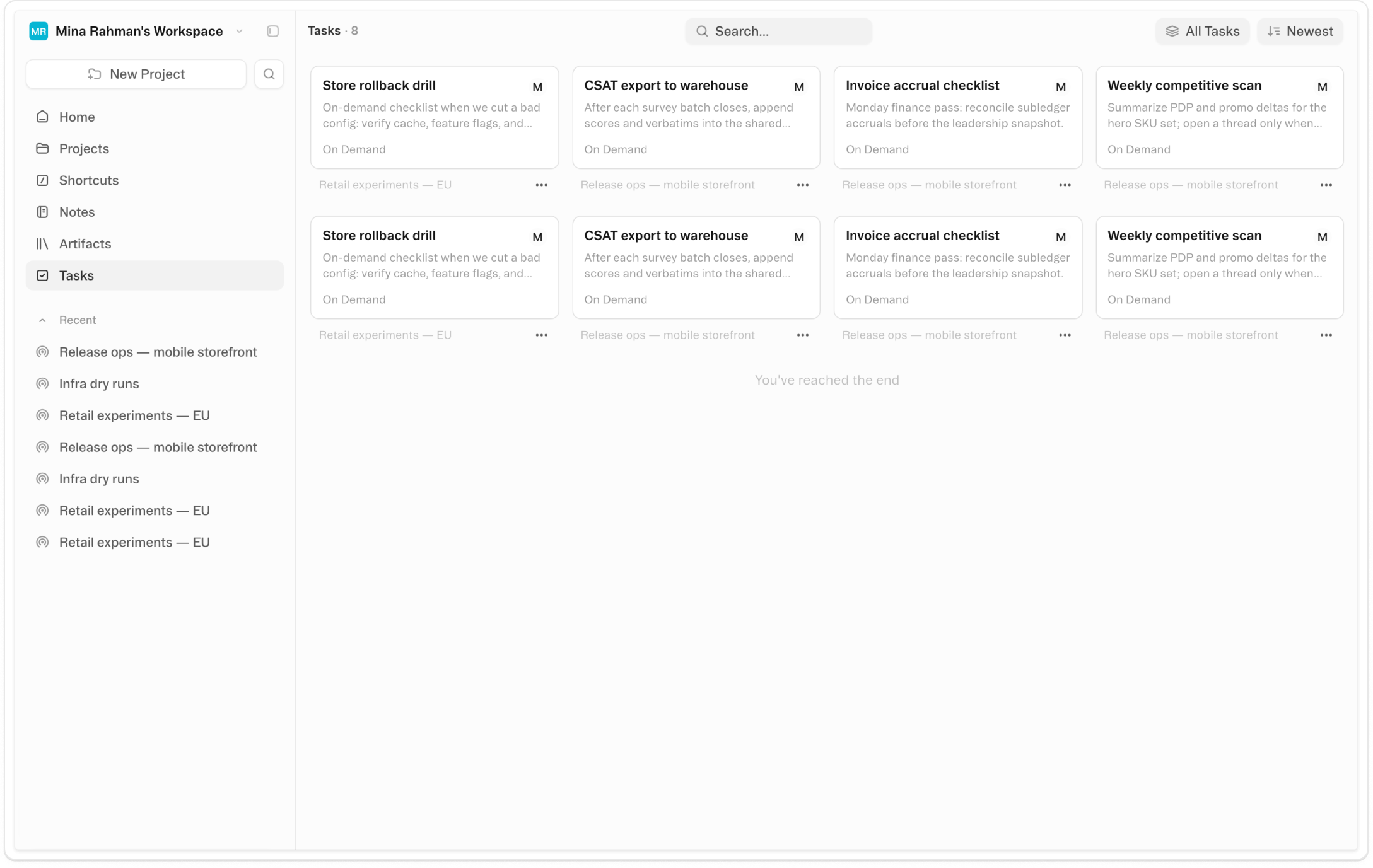
About Tasks
Tasks are saved, multi-step workflows the Obvious agent executes on its own. Name the steps, configure a trigger — a daily schedule, an incoming webhook, or nothing at all for on-demand use — and the agent runs them in sequence without you. Create a task by asking the agent directly, or build one manually from the / menu in chat.
Individual steps can include gates: approval pauses where you review output before the task continues. Steps can branch conditionally based on what the previous step returned. The agent mode — Auto, Fast, Deep Work, or Analyst — applies across all steps. The result is a workflow that doesn't just complete tasks but handles them the way you would, with the same checkpoints built in.
The weekly status pull. The candidate screen. The lead follow-up cadence. The competitive digest that should be ready before Monday's sync. Each one takes ten minutes. Each one needs you to show up and ask. Tasks is the mechanism for transferring those workflows to the agent — specified with enough precision that the output is right, running on the schedule that makes sense, without requiring your attention every time.
Videos
Shortcuts
One-click prompts to try this feature
Build a Scheduled Task
Create a recurring workflow that runs automatically on a schedule you choose
Set Up a Webhook Task
Create a task that fires automatically when an external event arrives — a form submission, a new file, a support ticket
Run This Now
Trigger an existing saved task on demand without waiting for its schedule
Templates
Start with a template that uses this feature



FAQ
Get help with Tasks
Find guides, tutorials, and support articles in our help center.
Visit help center →