Templates
Your best project configuration. Recreated from memory every time.
Project templates with folders, tasks, and agent instructions
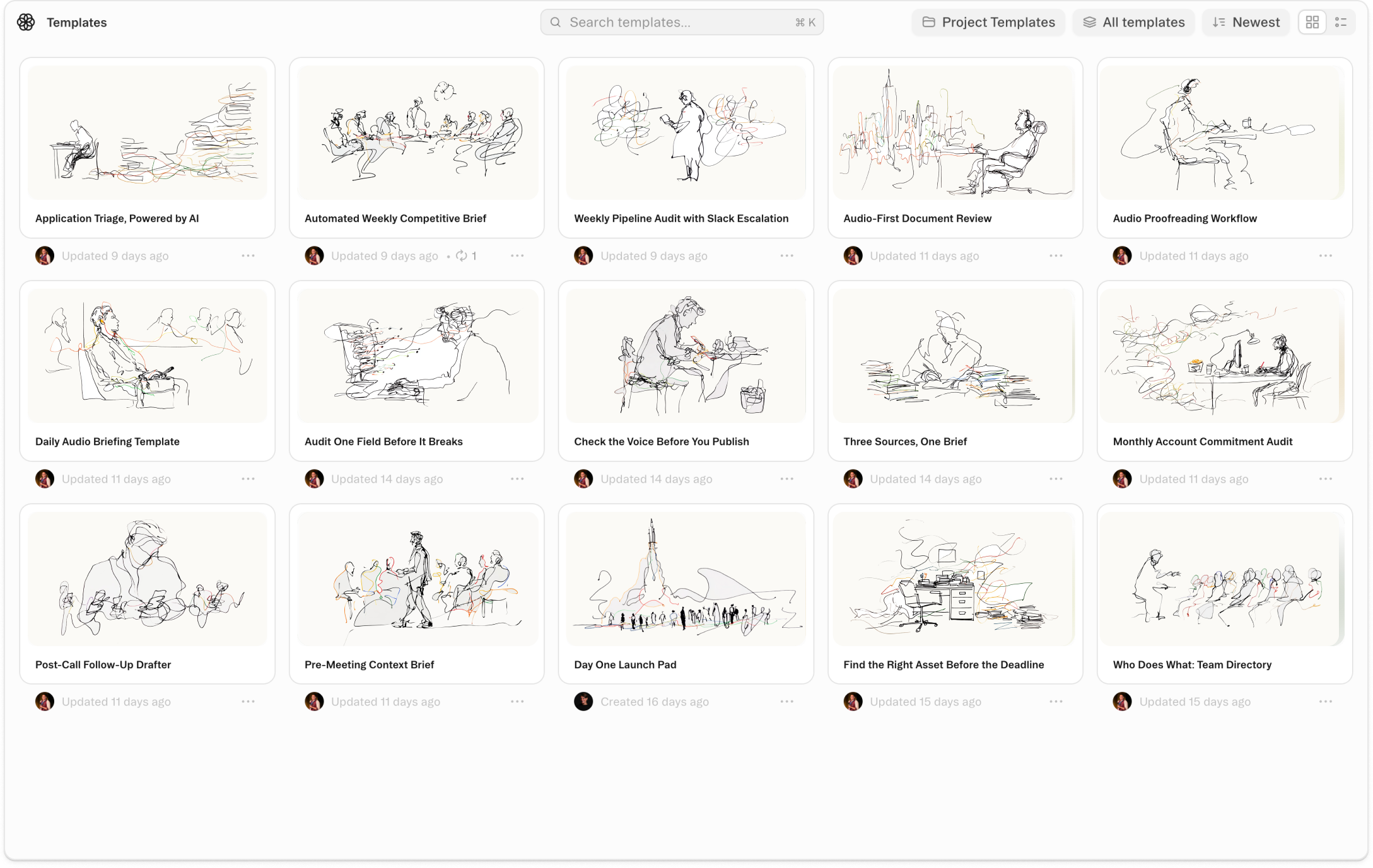
About Templates
Project Templates let you save any project's structure as a reusable starting point. When you save a project as a template, you choose what to include: the folder structure, all artifacts, saved tasks and schedules, agent context instructions, and the project README. A new project created from that template opens fully configured — folders in place, documents ready, tasks loaded, agent instructions already active.
Templates also transfer what your agent knows. Because project context and instructions are part of what gets saved, an agent working inside a templated project already understands the rules, the format, the tone, and the workflow — without you re-explaining them each time. You can keep a template private, share it with your whole workspace, or limit it to a specific team. Find and use templates from the Templates page in the sidebar.
Good setup contains knowledge. The cost of recreating that setup from scratch every time is invisible until you add it up — hours of manual work that produces nothing, and a slightly different result each time. Project Templates make your best configuration permanent and transferable. Build it right once. Every project of the same shape starts from there.
Videos
Templates
Start with a template that uses this feature


Shortcuts
One-click prompts to try this feature
Save Project as Template
Turn a completed project into a reusable starting point for the next one.
New Client Project
Spin up a new project from an existing template in seconds.
Monthly Analysis Reset
Start a recurring analysis sprint from a pre-configured template without rebuilding the setup.
FAQ
Get help with Templates
Find guides, tutorials, and support articles in our help center.
Visit help center →