Read Aloud
Tap play. Your document starts talking.
Your work doesn't stop when your screen does.
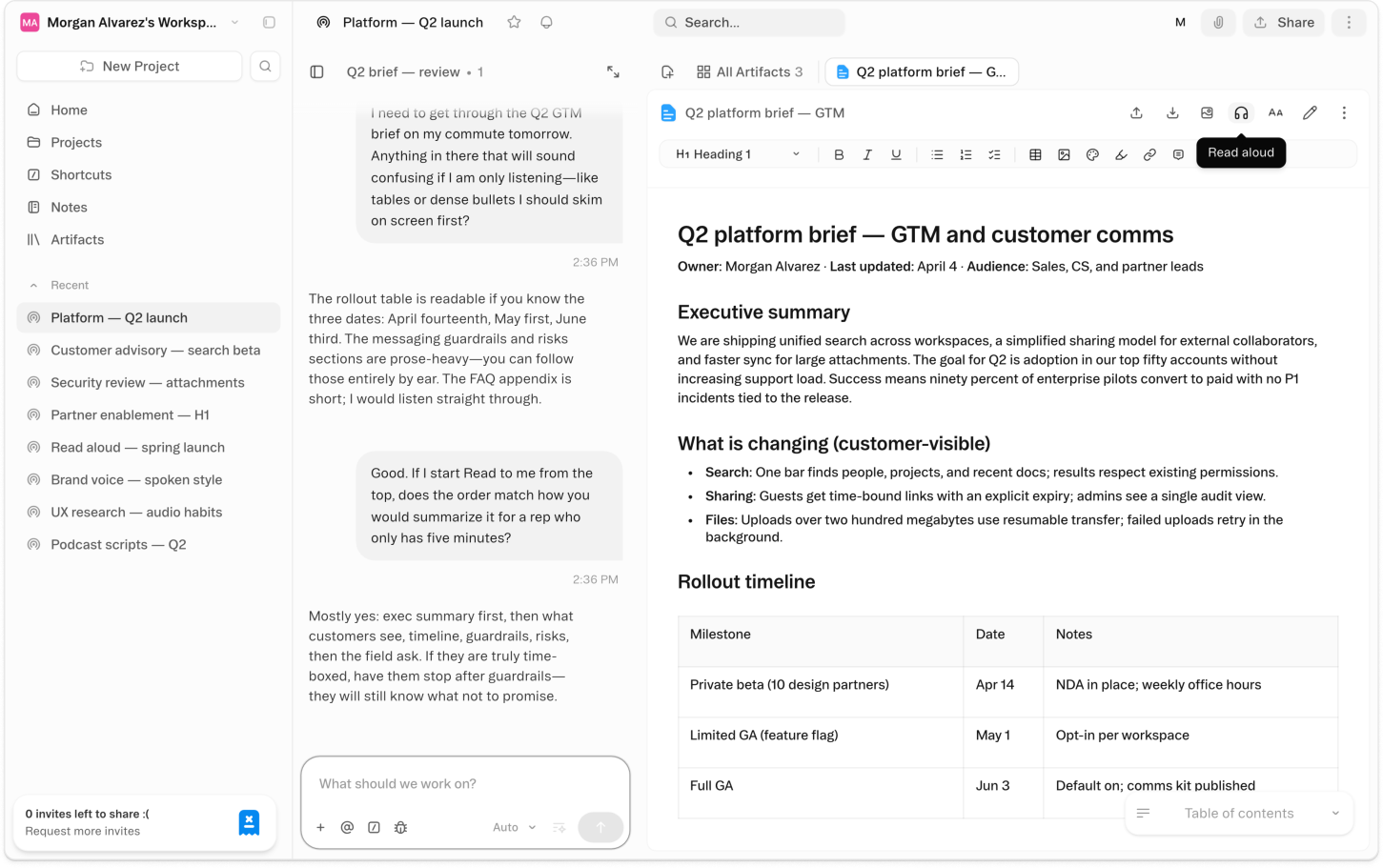
About Read Aloud
Open any document in Obvious, tap the Read Aloud button in the toolbar, and a floating playback bar appears at the bottom of your screen. The document starts reading in a natural-sounding voice. Navigate away — check another thread, open a workbook, come back — and it keeps going. The audio doesn't stop when you leave the page.
Choose from multiple voices, dial the speed from slow review to fast-scan pace, and scrub to any position in the document without starting from the top. A 3,000-word brief doesn't require listening in sequence. Jump to the section you need, speed through what you know, slow down where it matters.
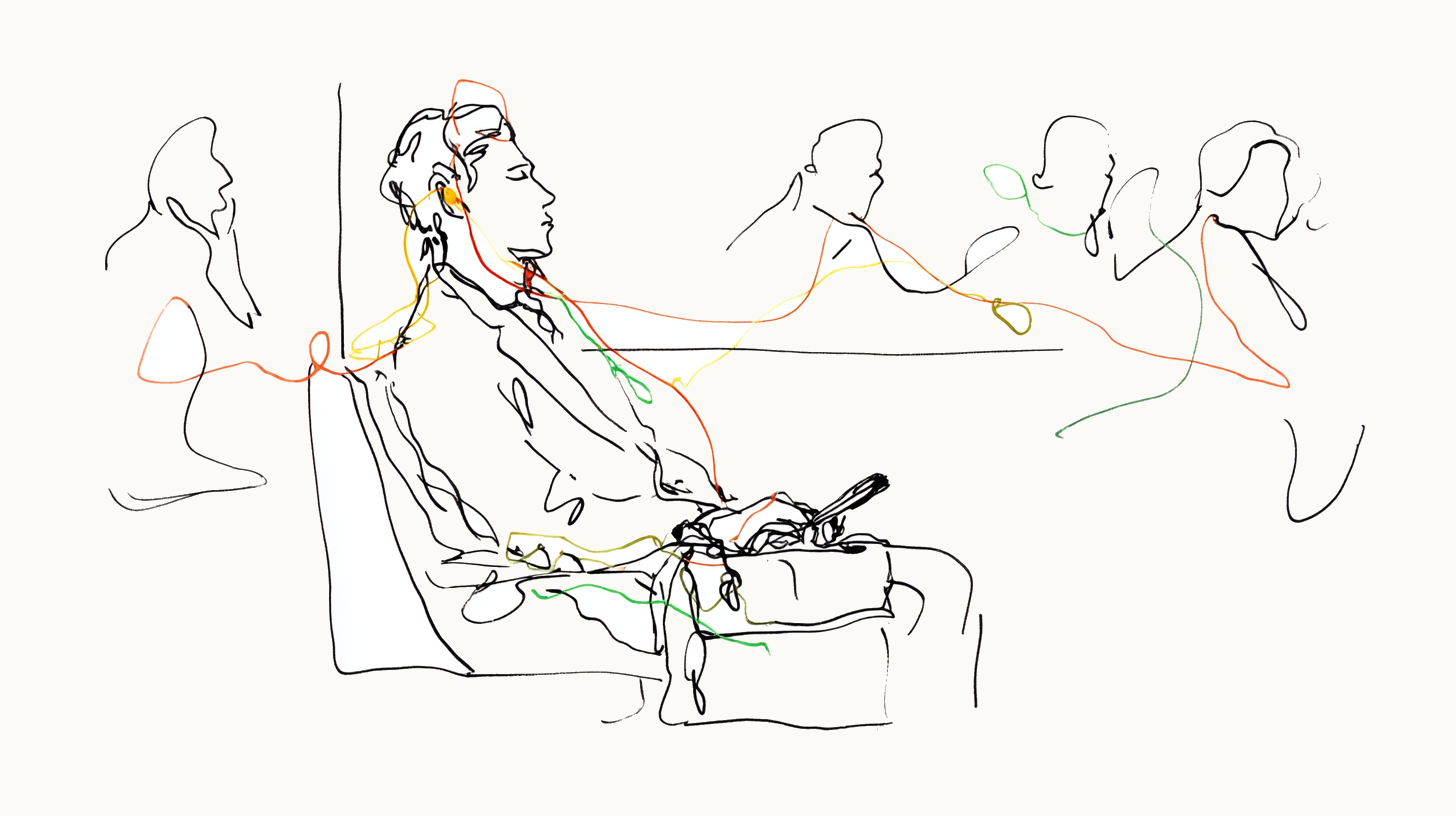
Documents generated in Obvious — research briefs, strategy memos, meeting summaries — have always been useful. Read Aloud makes them useful when you're not at a desk, not looking at a screen, not able to give them your full visual attention. The commute counts. The walk counts. The ten minutes between calls counts. Read Aloud is the first step toward a version of Obvious that doesn't require you to be sitting still.
Videos
Templates
Start with a template that uses this feature

Shortcuts
One-click prompts to try this feature
Listen to This Brief
Start reading any document aloud and keep listening as you navigate the rest of your project
Proof by Ear
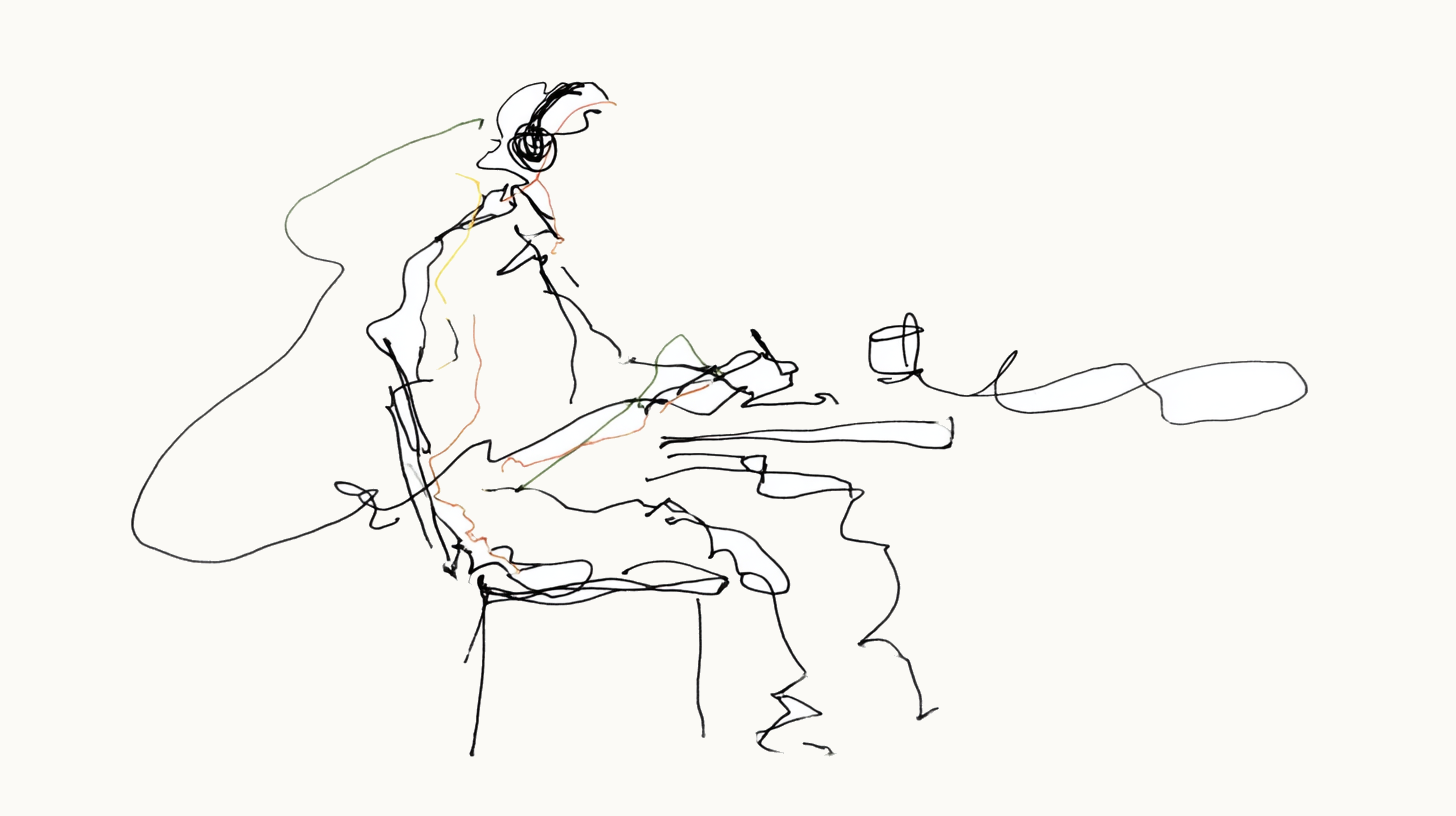
Listen at reduced speed to catch what eyes skip on a visual pass
Commute Review
Queue up multiple documents to listen through in sequence without going back to the screen
FAQ
Get help with Read Aloud
Find guides, tutorials, and support articles in our help center.
Visit help center →