Skills
Teach the agent how your team does things.
Domain-specific knowledge that stays active
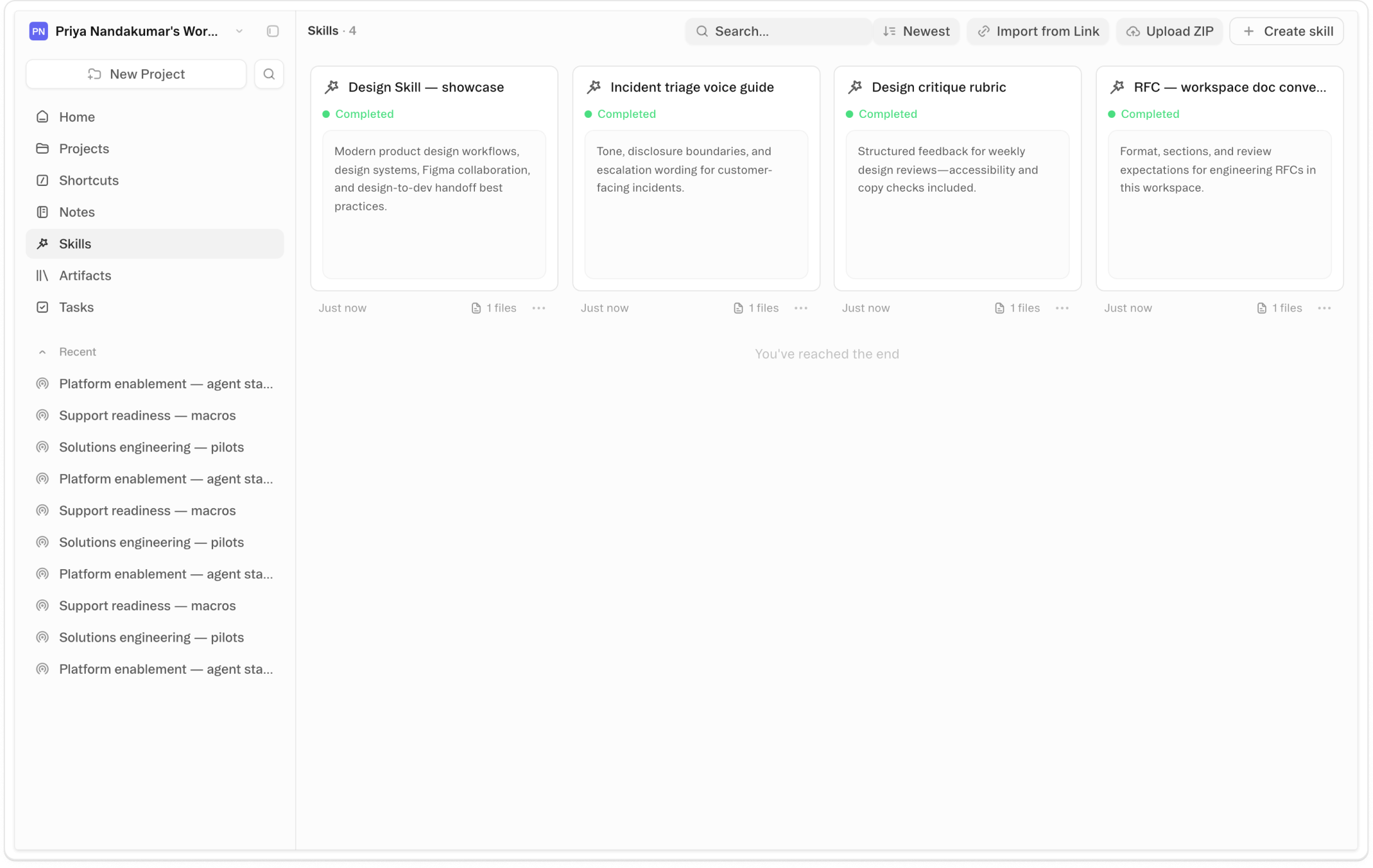
About Skills
A skill tells the Obvious agent how to do something specific at a high level — a writing approach, a research workflow, a data process someone spent time figuring out. Skills load when they're relevant and stay out of the way when they're not. There's an entire ecosystem of them: communities of practitioners who've figured out remarkable things and shared them. Until now, getting those skills into Obvious required knowing your way around a terminal.
Copy a link from a skills hub or community site and paste it into Obvious — the skill installs on your agent's virtual machine, ready to use. Upload a local file and do the same. Once a skill is imported, reference it by typing @skill-name anywhere in Obvious and the agent picks it up immediately. What was passive becomes part of how you actually work.
The YouTube-to-GitHub problem is real: you watch someone demonstrate something remarkable, you click the link, you're looking at a repository that assumes technical fluency you don't have, and you close the tab. The capability existed. Just not for you. Skills removes that gap. The translation happens invisibly — paste the link, get the capability. The remarkable thing someone else figured out is now yours to do.
Videos
Shortcuts
One-click prompts to try this feature
Install a Skill From a Link
Paste any skills hub URL into the prompt and install it to your agent in one move
Use a Skill Right Now
Reference an installed skill by name and apply it to whatever you're currently working on
Find a Skill for This Task
Describe what you're trying to do and let the agent suggest a skill that already handles it
FAQ
Get help with Skills
Find guides, tutorials, and support articles in our help center.
Visit help center →